Understanding TradingView's Core Features
In the fast-paced world of trading, having access to reliable tools and resources is essential for success. TradingView provides a comprehensive platform that offers multi-market data, advanced charting capabilities, and customizable alerts. This article will delve into the features that make TradingView indispensable for traders, from beginners to professionals. We will explore its charting tools, market alerts, and practical tips to enhance your trading experience.
What is TradingView and Its Purpose?
TradingView is a cloud-based charting and social networking platform designed for traders and investors to analyze and share their insights on various financial markets. It supports assets such as stocks, forex, cryptocurrencies, and commodities, providing users with real-time data and a plethora of analytical tools. The main purpose of TradingView is to democratize access to advanced trading tools that were once reserved for institutional traders.
Key Charting Tools and Analytics
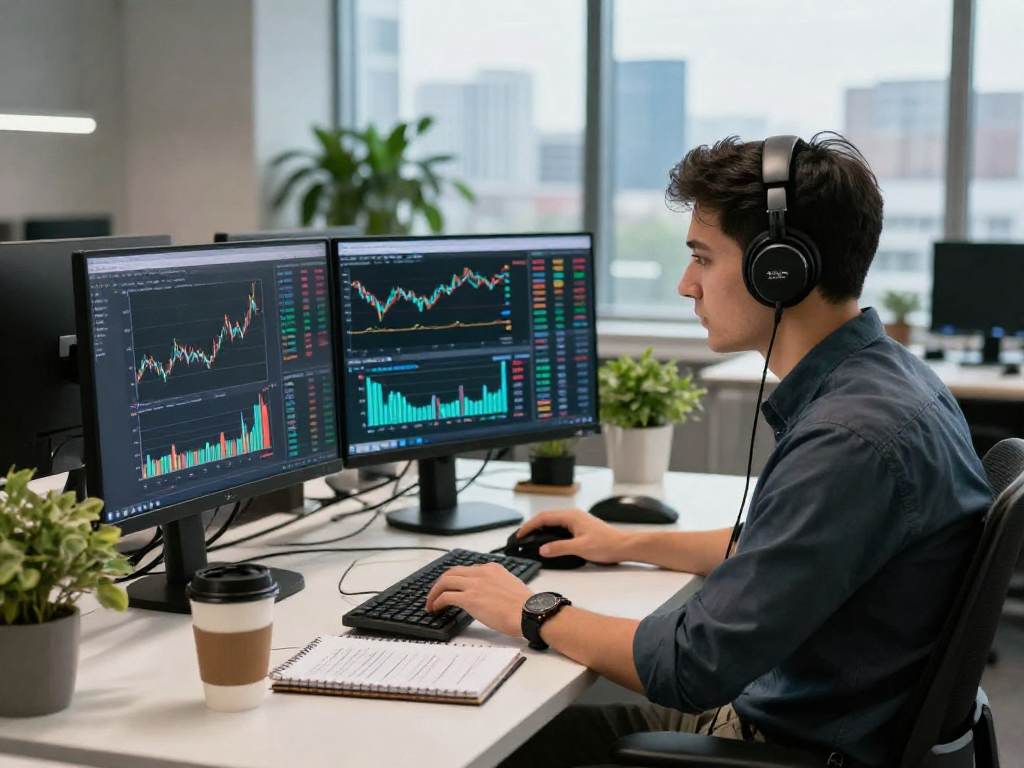
At the core of TradingView's functionality are its robust charting tools, which allow users to visualize market trends effectively. Traders can customize charts with a variety of indicators, overlays, and drawing tools, helping them to identify patterns and make informed decisions. The platform supports multiple timeframes, enabling traders to analyze short-term movements as well as long-term trends. Furthermore, the ability to share chart layouts and analysis with a community of traders fosters collaborative learning and strategy development.
Setting Up Your TradingView Account
How to Register and Configure Your Profile
Getting started with TradingView is straightforward. Interested users can sign up for a free account or choose from various subscription tiers based on their trading needs. The registration process typically requires an email address and password, after which you can set up your profile by customizing your preferences and connecting your brokerage account.
Linking Your Brokerage Accounts
One of the powerful features of TradingView is the ability to link your brokerage accounts directly to the platform. This integration allows for seamless trading and management of your investment portfolio without having to switch between multiple applications. Supported brokers vary, so it's essential to check if your broker is compatible with TradingView when setting up your account.
Customization Options for Your Dashboard
To enhance your trading experience, TradingView offers extensive customization options. Users can arrange their dashboards, select the information they want to display, and choose from different themes for visual appeal. This personalized setup not only improves usability but also helps traders focus on critical market data relevant to their strategies.
Utilizing TradingView for Effective Chart Analysis
How to Interpret Market Trends Using Charts
Understanding chart patterns is crucial for successful trading. TradingView provides users with various types of charts including line charts, bar charts, and candlestick charts, each serving a different purpose. By analyzing these charts, traders can identify bullish and bearish trends, support and resistance levels, and other key indicators that guide their trading strategies.
Applying Indicators and Drawing Tools
The platform supports a wide array of technical indicators, including moving averages, RSI, MACD, and more. These indicators can be overlaid on the main chart to give more insights into market movements. Additionally, the drawing tools allow traders to mark significant price levels, channels, and patterns directly on the charts, helping them visualize their analysis better.
Creating Multiple Chart Layouts for Comparison
For traders who need to track several assets or timeframes simultaneously, TradingView enables users to create multiple chart layouts. This feature is particularly useful for swing traders or day traders who require quick access to different markets. By ensuring that critical chart setups are readily available, traders can make faster and more informed decisions.
Maximizing the Benefits of Alerts on TradingView
Setting Up Price Alerts and Notifications
One of the standout features of TradingView is its alert system. Traders can set price alerts for specific assets, notifying them when an asset reaches a predefined price level. This functionality is crucial for those who cannot watch the markets continuously, allowing them to react promptly to trading opportunities.
Understanding Condition-Based Alerts
Beyond simple price alerts, TradingView also allows users to set up condition-based alerts. These alerts can be triggered by various technical indicators or chart patterns, further refining the decision-making process. This capability ensures that traders are not only notified of price changes but can also track more complex market conditions.
Integrating Alerts Across Devices
The alert system is integrated across all platforms, enabling traders to receive notifications on their desktops, tablets, or mobile phones. This multi-device compatibility ensures that traders stay informed regardless of where they are, providing a significant advantage in fast-moving markets.
Tips for TradingView Success and Best Practices
Common Pitfalls to Avoid When Using TradingView
While TradingView is a powerful tool, there are common pitfalls that users should be aware of. Over-reliance on technical indicators without considering fundamental analysis, neglecting to manage risk, and not taking full advantage of the platform's social features for insights are some mistakes that can hinder trading success.
Strategies for Efficient Market Monitoring
To effectively monitor the markets, traders can use TradingView’s watchlists and market scanners. These tools help in identifying potential trades while filtering through thousands of assets based on specific criteria such as volume, volatility, or technical patterns. Establishing a routine of updating your watchlist based on market conditions can significantly enhance trading efficiency.
Future Trends in Trading Technologies and TradingView's Role
As trading technologies evolve, platforms like TradingView are leading the charge by integrating advanced analytics, machine learning, and AI tools. Such innovations will likely reshape how traders analyze markets and execute trades, making platforms more intuitive and responsive to user needs.
What are the Pricing Plans and Features Available?
TradingView offers various pricing plans, ranging from a free tier with limited functionality to premium plans that provide advanced features such as additional chart layouts and more in-depth data. Depending on individual trading needs and frequency of use, traders can choose the plan that best suits them to get the most value out of their Subscription.
Do I Need the Desktop Version for Full Functionality?
While TradingView is fully functional on web and mobile platforms, some users may find that the desktop version offers additional convenience, such as enhanced screen real estate for multiple charts and layouts. However, many core functionalities are available across all platforms, meaning users can trade efficiently without necessarily needing the desktop version.
Frequently Asked Questions
What Markets Can I Access with TradingView?
TradingView provides access to a wide variety of markets including stocks, forex, cryptocurrencies, and commodities. This diversity allows traders to adapt their strategies across different asset classes depending on market conditions.
Is TradingView Suitable for Beginners?
Yes! TradingView is designed to cater to traders at all skill levels, providing comprehensive tutorials, a user-friendly interface, and a vibrant community where new traders can learn and grow.
What Devices Can I Use to Access TradingView?
TradingView is available on multiple platforms including desktop (Windows, macOS, and Linux), web browsers, and mobile devices (iOS and Android). This flexibility ensures you can analyze and trade from virtually anywhere.
Are There Any Restrictions on Alerts?
While TradingView offers robust alert capabilities, there are certain restrictions based on your subscription tier. Users may have limitations on the number of alerts they can set and the types of conditions available for triggering alerts.
How Does TradingView Compare to Other Trading Platforms?
TradingView stands out due to its extensive social networking capabilities, user-friendly interface, and powerful charting tools, making it a favorable choice among many traders compared to other platforms that may lack these features.